Studio Management
Fitness Studio Software: A Practical Buyer’s Guide
Fitness studio software should handle memberships, packs, bookings and renewals in one place. Compare what boutique studios need, and test before you buy.
Want more of this in your Google results?

Short on time? Summarise it with
Boutique fitness studios sit between two worlds. They have the scheduled classes of a yoga or dance school and the recurring revenue of a gym. HIIT studios, barre rooms, spin studios, boxing clubs and CrossFit boxes all share the same problem: you sell time in a room with limited spots, and you need clients to keep coming back.
This guide explains what fitness studio software should do, how it differs from gym software, and how to choose one that fits how you really sell.
#Fitness studio software vs gym software
Many tools are marketed as “gym and studio software”, but the two businesses need different things.
| Gym | Fitness studio | |
|---|---|---|
| Access | Open access, member walks in | Scheduled classes with limited spots |
| Main product | Time-based membership | Memberships, packs and pay-per-visit |
| Key risk | Members who stop visiting | Empty spots and expiring packs |
| Key tool | Door access, workout plans | Timetable, booking rules, reminders |
If you run scheduled classes, start from studio-first software. If you run an open-access gym with personal training, start from gym software. Some businesses need both.
#The six things a fitness studio must manage
#1. A timetable you can trust
A week-grid timetable with clash detection prevents two classes landing in the same room at the same time. You should be able to run different hours on different days, add one-off sessions for workshops and make-ups, and optionally show the timetable on a public page so prospects can see what you offer.
#2. Flexible ways to sell
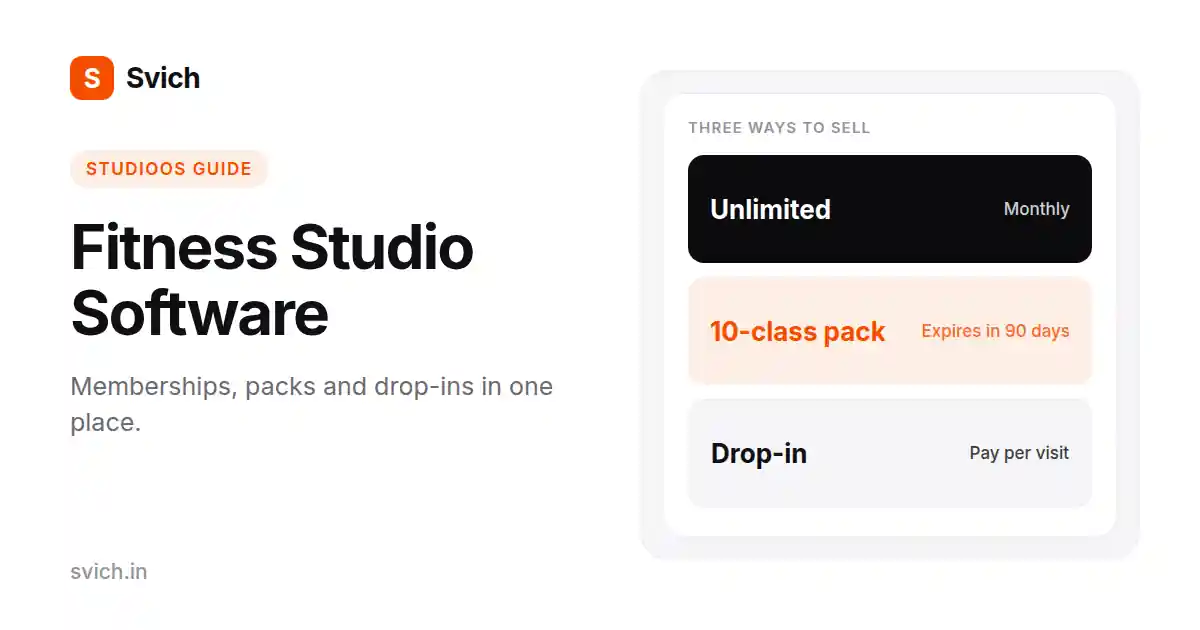
Studios rarely sell just one thing. A typical mix is an unlimited monthly plan, a class pack and a drop-in rate. Your software should let all three exist at once, and treat extras such as a locker or mat hire as add-ons on top of a main plan.
Check how fees are collected too. Some clients want to pay in full upfront, others monthly, quarterly or yearly.
#3. Booking rules that enforce themselves
The best studios are consistent about cancellations. Look for a free-cancellation window, a rule for whether no-shows count as used classes, a limit on how far ahead people can book, and a cap on open bookings per person. Rules like these save your front desk from arguments.
#4. Attendance and who is slipping away
Attendance data is only useful if it tells you something. Beyond a simple register, look for busiest-hour reports and a way to spot paying members who have stopped showing up. Those are the people most likely not to renew.
#5. Payments and outstanding balances
Your software should record payments by method (cash, card, bank transfer, UPI or online), keep partial payments on the client’s balance, and carry unpaid balances into renewal. A clear ledger of what was due, what was paid and when will save hours at month-end.
#6. Reminders that protect revenue
Most lost revenue comes from forgetfulness, not unhappiness. Automatic reminders before a plan expires, a chase for a missed instalment, a birthday message and a win-back message for lapsed clients are cheap to run and pay for themselves.
#What most buyers overlook
- Importing your existing clients. A slow migration can put you off switching. Ask about CSV import and whether plans and packs are detected automatically.
- Staff permissions. Trainers who mark attendance should not see payment data.
- Revenue at risk. A simple number showing revenue tied to plans ending in the next 30 days tells you where to focus this week.
- Contract terms. Month-to-month with no setup fee lowers the risk of trying something new.
#How to choose: a four-step process
- List how you sell today. Write down every plan, pack and drop-in rate, plus the cancellation rules you actually enforce.
- Shortlist two or three tools. Pick systems that match your business type, not the longest feature lists.
- Run one real week. Set up your real classes, sell a pack, take attendance and look at the reports.
- Check the total cost. Include member limits, add-ons, messaging costs and any setup fee.
#Where Svich StudioOS fits
Svich StudioOS is built for class-based studios, including yoga, pilates, barre, dance, martial arts, CrossFit boxes and fitness classes. From the product documentation:
- Unlimited plans, class packs and pay-per-visit can run side by side
- Plan types include membership, personal training, session pack and add-on
- Configurable booking rules: a 12-hour free-cancellation window by default, no-shows counting as used, a 30-day book-ahead limit and 3 open bookings per student
- A month calendar showing sessions, payments collected, payments due and plans starting or ending
- An attendance insights view with trends over 7, 30 and 90 days, busiest hours and an “active but absent” count of paying members who have not come
- A revenue-at-risk figure for plans ending within 30 days
- Payments by cash, UPI, card, bank transfer or online, with partial payments tracked on a balance
- Automatic reminders for expiring plans, missed instalments, birthdays and lapsed students over WhatsApp or email
Worth knowing: attendance in StudioOS is recorded manually by your team, and bookings are made by staff rather than by clients in the portal. If you need self-service online booking by clients, check that against your own needs.
Plans start at $49 per month for up to 250 active members, and $149 per month for unlimited members. Start free or book a demo.
#Frequently asked questions
#What is fitness studio software?
It is software that runs the business side of a class-based fitness studio: timetable, bookings, memberships and packs, attendance, payments and client reminders.
#What is the difference between gym software and fitness studio software?
Gym software focuses on open access, memberships and often door control. Studio software focuses on scheduled classes, limited spots, packs and booking rules.
#Can one system handle memberships and class packs together?
Yes. Good studio software lets you sell unlimited plans, packs and pay-per-visit side by side, so clients choose what suits them.
#How much should fitness studio software cost?
It depends on your member count and the features you need. Compare the monthly price per active member, check for setup fees and contracts, and include any messaging costs.
#Do small studios need software at all?
If you run a handful of classes with a few dozen clients, a spreadsheet can work. Once you manage packs, renewals and reminders, software usually saves more time than it costs.
#The bottom line
Pick software that matches how you sell, enforces your booking rules automatically and warns you before revenue slips away. Then test it on one real week before you commit.


