Studio Management
Yoga Studio Software UK: A Buyer’s Guide for Small Studios
Yoga studio software for UK studios: passes and memberships in pounds, booking rules, VAT, UK GDPR and the ICO fee, costs, and a one-week test plan.
Want more of this in your Google results?


Short on time? Summarise it with
Yoga studio software for a UK studio should run your weekly timetable and workshops, sell class passes and memberships in pounds, enforce a cancellation policy, and keep students coming back when a pass runs out. On top of that, UK studios have three local questions to settle before signing up: how students will pay (card, Direct Debit or at the desk), whether you need VAT invoices, and how the software handles health information under UK GDPR. Settle those three first; on timetables and passes, most tools already look alike.
Running your timetable from a spreadsheet and your passes from memory? Svich StudioOS keeps classes, passes, booking rules and reminders in one place, priced per studio rather than per teacher. See how StudioOS works for yoga studios.
#What should yoga studio software do for a UK studio?
It should handle the timetable, passes, booking rules and reminders without workarounds. A good test: could your Saturday cover teacher run the morning without phoning you?
- Timetable with batches and one-offs. Hatha at 7am on weekdays and 9am on Saturdays, plus a Sunday workshop with a different capacity.
- Class passes and memberships with expiry dates, so a 10-class pass bought in January isn’t still being used in October.
- Booking rules for cancellations, no-shows and how many classes one student can hold.
- Payment that suits UK habits: Direct Debit, card or bank transfer.
- Invoices and records that your accountant can use, with VAT shown if you’re registered.
- Reminders before a pass or membership ends, after a missed payment and when a regular goes quiet.
#Which pricing works for UK yoga studios: passes, memberships or drop-ins?
Most UK studios do best with all three: drop-ins for visitors, class passes with expiry dates for once-a-week students, and a monthly membership priced for people who come twice a week or more. Each step should lower the price per class.
Example prices for a 120-student studio in Bristol with two teachers:
| Offer | Example price | Per class | StudioOS pricing type |
|---|---|---|---|
| Drop-in | £15 | £15 | Pay per visit |
| 5-class pass, 2-month expiry | £65 | £13 | Set number of classes, in total |
| 10-class pass, 3-month expiry | £115 | £11.50 | Set number of classes, in total |
| 8 classes a month | £80 | £10 | Set number of classes, every month |
| Unlimited monthly | £99 | Under £8 at 3x a week | Everything included |
| 6-week beginners’ course | £72 | £12 | Everything included (booked into all six) |
In StudioOS, a “set number of classes” plan is either a fixed total (a 10-class pass) or a monthly allowance that tops back up at renewal. Unused pass classes expire when the plan ends, so match the plan length to the expiry you advertise. If a student freezes their membership while they’re away for three weeks, the pass pauses and the unused classes come back when they return. Our class pack pricing guide shows how to work out where a pass should sit against a membership.
#What do VAT, UK GDPR and the ICO fee mean for your software?
You need VAT invoices only once you’re VAT-registered, you need to pay the ICO data protection fee unless you’re exempt, and you should treat health questionnaires as special category data.
- VAT. Registration becomes compulsory once taxable turnover passes £90,000 in a rolling 12 months; the threshold rose from £85,000 on 1 April 2024 (Tide summary). A studio taking £7,000 a month is at £84,000 a year and close to the line. If you register, your invoices must show VAT correctly, so ask each vendor to show you a sample VAT invoice.
- ICO fee. Organisations and sole traders that use personal information need to pay a data protection fee unless they are exempt. A July 2026 summary of the tiers lists £52 a year for tier 1 micro organisations, or £47 by Direct Debit, which covers most small studios (tier 1 is roughly 10 or fewer staff or turnover up to £632,000; check the ICO’s own guidance).
- Health information. Injury notes, pregnancy and medical conditions on a health form are health data, a special category under UK GDPR. Collect only what teachers need, and limit who can see it.
For transparency: Svich does not currently publish where data is stored or any UK GDPR certification, and a UK VAT invoice format isn’t a listed feature. Ask for both in writing during a demo. StudioOS sends invoices automatically, and custom fields can hold what teachers need. This is general information, not legal or tax advice.
#Which booking and cancellation rules suit yoga classes?
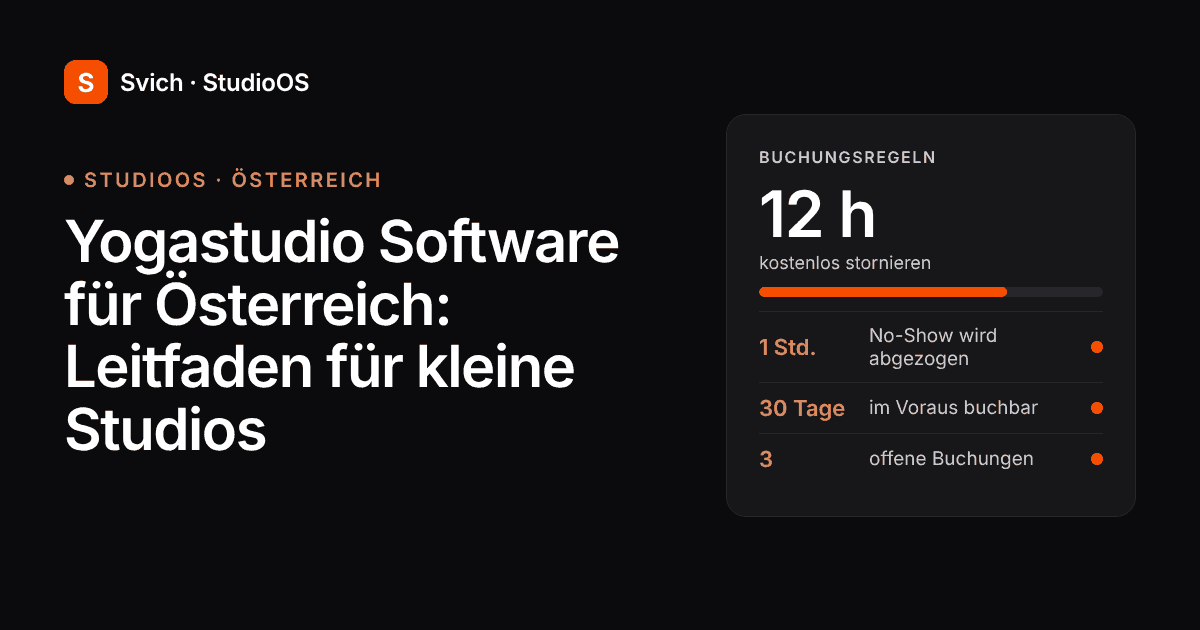
A 12-hour free-cancellation window, no-shows counted as a used class and a limit of three open bookings per student works for most yoga studios. Workshops and courses can carry stricter terms because places are limited and paid in advance.
Wording for your website and booking confirmations:
“You can cancel free of charge up to 12 hours before class. Later cancellations and no-shows use a class from your pass or membership. You can hold up to three bookings at a time, up to 30 days ahead. Workshop places are non-refundable but can be transferred to a friend up to 48 hours before.”
The first four rules are StudioOS defaults (12 hours, no-shows counted as used, three open bookings, 30 days ahead), set per plan. In StudioOS each class has its own teacher, room and capacity, workshops can run as one-off sessions with their own cap, and the week grid greys out room clashes before you create them. More policy wording is in our no-show policy guide.
#How do you keep students coming back when a pass runs out?
Message them before the pass expires. A student with two classes left is still in the habit; one whose pass expired three weeks ago has usually found something else to do on Tuesday evenings.
Keep the first message human. StudioOS catches the rest with four prebuilt automations: 10 days before a plan ends, 3 days after a missed payment, birthdays, and 14 days after a lapse, sent by WhatsApp or email. An “active but absent” list shows students who are still paying but have stopped coming. See how StudioOS reminders work, or start free and switch them on.
#What does yoga studio software cost in the UK?
Expect anything from free (with a fee on every payment) to well over £100 a month, depending on how many students you have and whether you want a branded app. Check whether prices include VAT and which currency you’ll be billed in.
| Software | Price (as of October 2026) | Worth knowing |
|---|---|---|
| Momoyoga | Free (5% platform fee on online payments), Standard €34, Plus €69, Custom €179 a month, billed annually | Yoga-focused; online booking, waitlists and on-demand video; priced in euros |
| Larger studio platforms (e.g. Mindbody, TeamUp, Glofox) | Varies; most charge more as active customers grow, so get a written quote | Client apps and online payments; check card fees and contract length |
| Svich StudioOS | US$49 a month (up to 250 active members) or US$149 (unlimited) | Flat per studio; staff take bookings; billed in US dollars |
Svich bills in US dollars, so the sterling amount moves with the exchange rate. Yearly plans are US$490 (Starter) or US$1,490 (Growth), with no setup fee or contract, and five teachers cost the same as one. For a wider comparison, read our yoga studio management software buyer’s guide.
#When might StudioOS not be the right fit for a UK yoga studio?
StudioOS isn’t the right choice if students must book and pay online themselves, or if you collect memberships by Direct Debit through the software.
- Self-booking. In StudioOS, staff make the bookings. Students can’t book themselves online, and waitlists aren’t a listed feature.
- Direct Debit and card autopay. StudioOS sends invoices, but automatic Direct Debit or card collection isn’t a listed feature.
- On-demand or livestream classes. There’s no video library or online class streaming.
- A branded app. There’s no app-store app; students use a mobile-friendly browser portal for their plan, expiry, payment schedule and receipts.
It fits studios where regulars come at set times and the teacher or front desk books them in.
#How do you test yoga studio software before switching?
Run one real week through the trial with your own timetable. Problems show up on Monday morning, not in a demo.
- Build your real timetable, including a Saturday workshop with its own cap.
- Create a drop-in, a 10-class pass with expiry and a monthly membership.
- Import 20 students by CSV, some halfway through a pass.
- Late-cancel and no-show one booking. Check the pass balance.
- Freeze one membership for three weeks and check the end date.
- Ask for a sample VAT invoice and where student data is stored.
- Preview the reminder a student gets 10 days before their plan ends.
In StudioOS, CSV import lives under Settings → Data & Reports → Imports and offers to create the plans and passes it finds in your file. The StudioOS classes and packs guide walks through the setup.
#Frequently asked questions
#What is the best yoga studio software in the UK?
The best yoga studio software for a UK studio is the one that matches how your students book and pay. If students book and pay online, choose a platform with self-booking, card payments and Direct Debit. If regulars come at set times and staff book them in, a simpler per-studio system with passes, memberships and reminders costs less.
#How much does yoga studio software cost in the UK?
Prices range from free plans that take a percentage of online payments to £100 or more a month for larger platforms. As of October 2026, Momoyoga lists plans from €0 to €179 a month billed annually, and Svich StudioOS costs US$49 or US$149 a month per studio.
#Do UK yoga studios need to pay the ICO data protection fee?
Organisations and sole traders that use personal information need to pay the ICO data protection fee unless they are exempt. Most small studios fall into tier 1, listed at £52 a year (£47 by Direct Debit) in a July 2026 summary.
#When does a yoga studio need to register for VAT?
A UK business must register for VAT when taxable turnover passes £90,000 in a rolling 12-month period, or is expected to. Once registered, invoices must show VAT, so check that your software can produce them.
#Can StudioOS run yoga workshops and courses?
Yes. StudioOS can run a workshop as a one-off session with its own capacity, and a beginners’ course as an everything-included plan that books students into every session automatically.
#Ready to put your timetable and passes in one place?
Set up your classes, passes and booking rules in StudioOS, or talk us through your studio first, including how your students pay today.
Start free — no card | Book a 30-minute demo
More on StudioOS: the studio management software overview and class packs.