GymOS guide
Enquiry forms
Build a shareable form to capture leads from Instagram, WhatsApp or your website, and work through the responses as they arrive.
Enquiries lets you build simple web forms that capture people who are interested in joining — before they ever walk in. Open it from the sidebar.
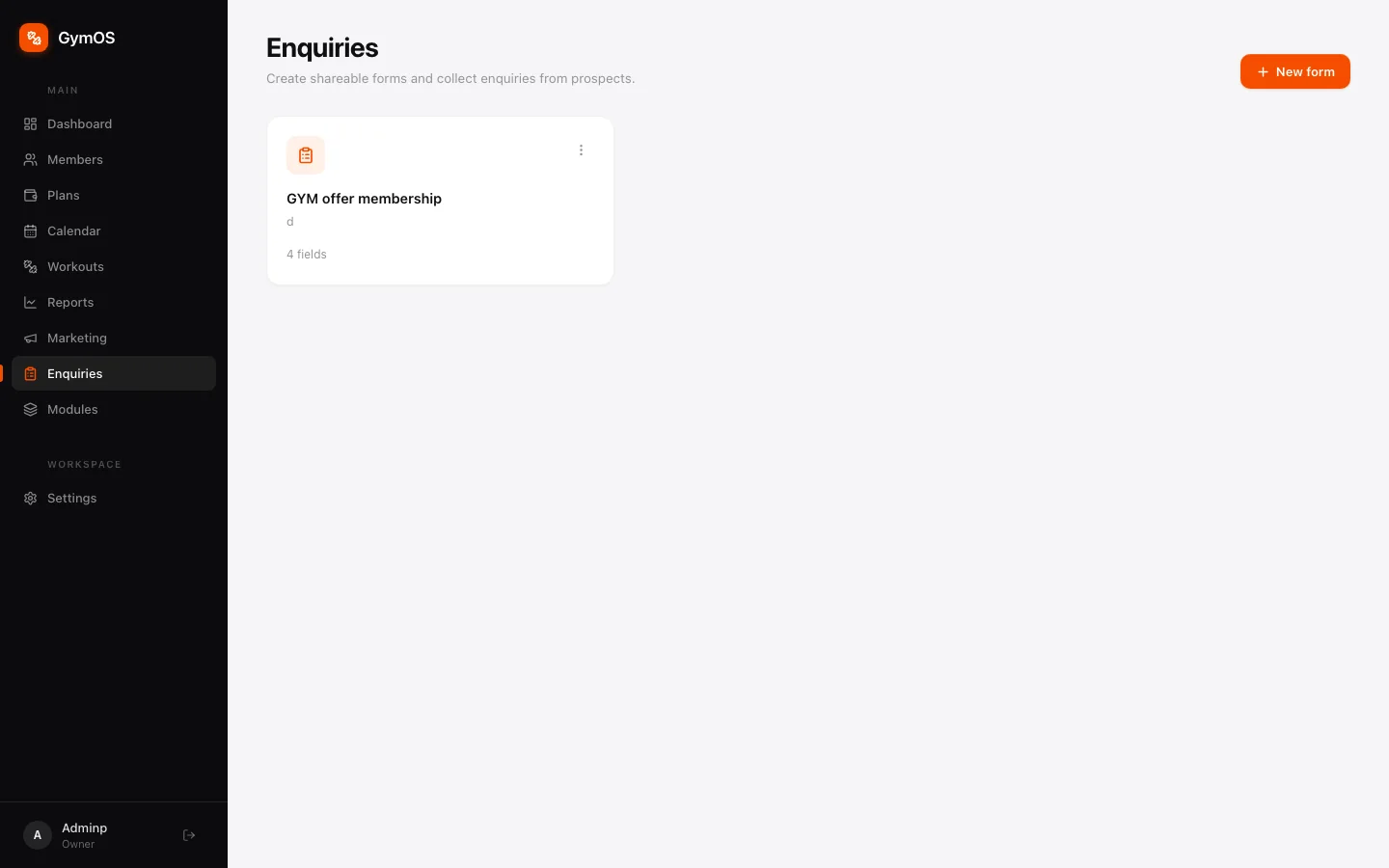
Each card shows a form’s name and how many fields it has.
Creating a form
- Click + New form.
- Add the fields you want: name, phone, email, and any questions of your own.
- Save the form.
Every form gets its own public link. Post it in your Instagram bio, add it to your website, or send it in a WhatsApp broadcast — anyone with the link can fill it in, no login needed.
Working through responses
Click a form to open its responses. Every submission lands there, newest first.
Mark each response New, Contacted, Converted or Dismissed as you work through them, so the whole team can see who has already been called.
When someone joins, add them in Members and set their Source to the form’s name. Over time, that’s how you’ll see which forms bring people in.
The public page form
Every account also has a built-in form called Public page enquiries. It collects the enquiries left on your public page, and each one automatically becomes a lead in Members too.
Its questions are fixed, so its responses always line up. To ask something of your own, build a separate form and share that link.
Stuck on a step, or found something that doesn't match your screen? Email hello@svich.in.