GymOS guide
Attendance and door access
See who is in the gym right now, check members in at the front desk, review every punch, and connect biometric door readers.
Add-ons. Attendance and biometric door access are sold separately. If you don’t see them, your plan doesn’t include them yet.
Attendance records every check-in and check-out, whether it came from a door reader or from your front desk. Open it from Settings → Operations → Attendance, or press ⌘ K and type attendance.
The page has three tabs: Live, History and Insights.
The Live tab
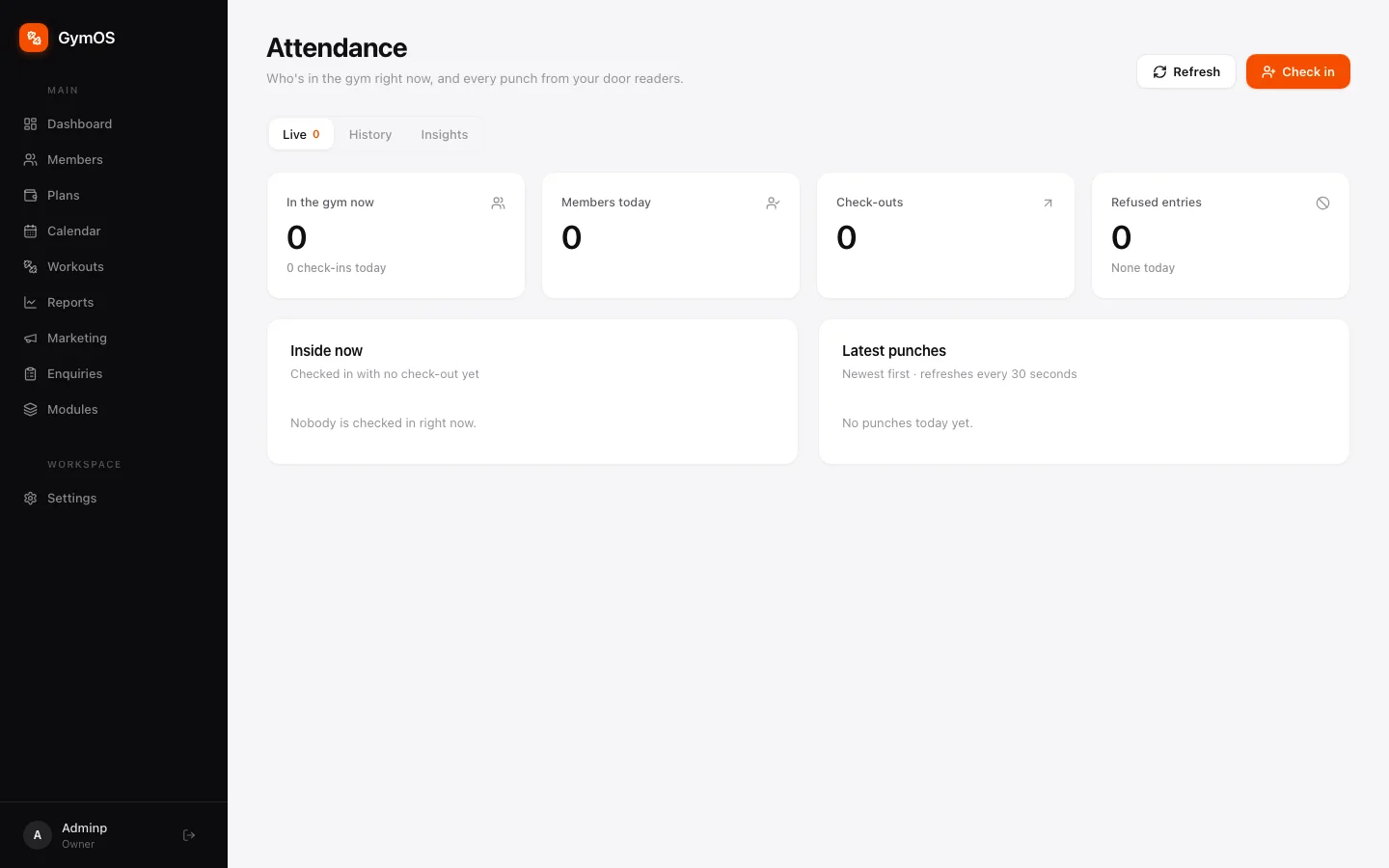
Four counters — In the gym now, Members today, Check-outs and Refused entries — above two live panels:
- Inside now — everyone who has checked in and not yet checked out.
- Latest punches — the newest events from your readers and front desk, newest first. It refreshes every 30 seconds, or straight away with Refresh.
Checking a member in manually
Use this when a member hasn’t enrolled a fingerprint yet, or if your gym doesn’t use door readers at all.
-
Click Check in in the top-right corner.
-
Search by name, phone or email, then click Check in beside the member. The same dialog checks people out.
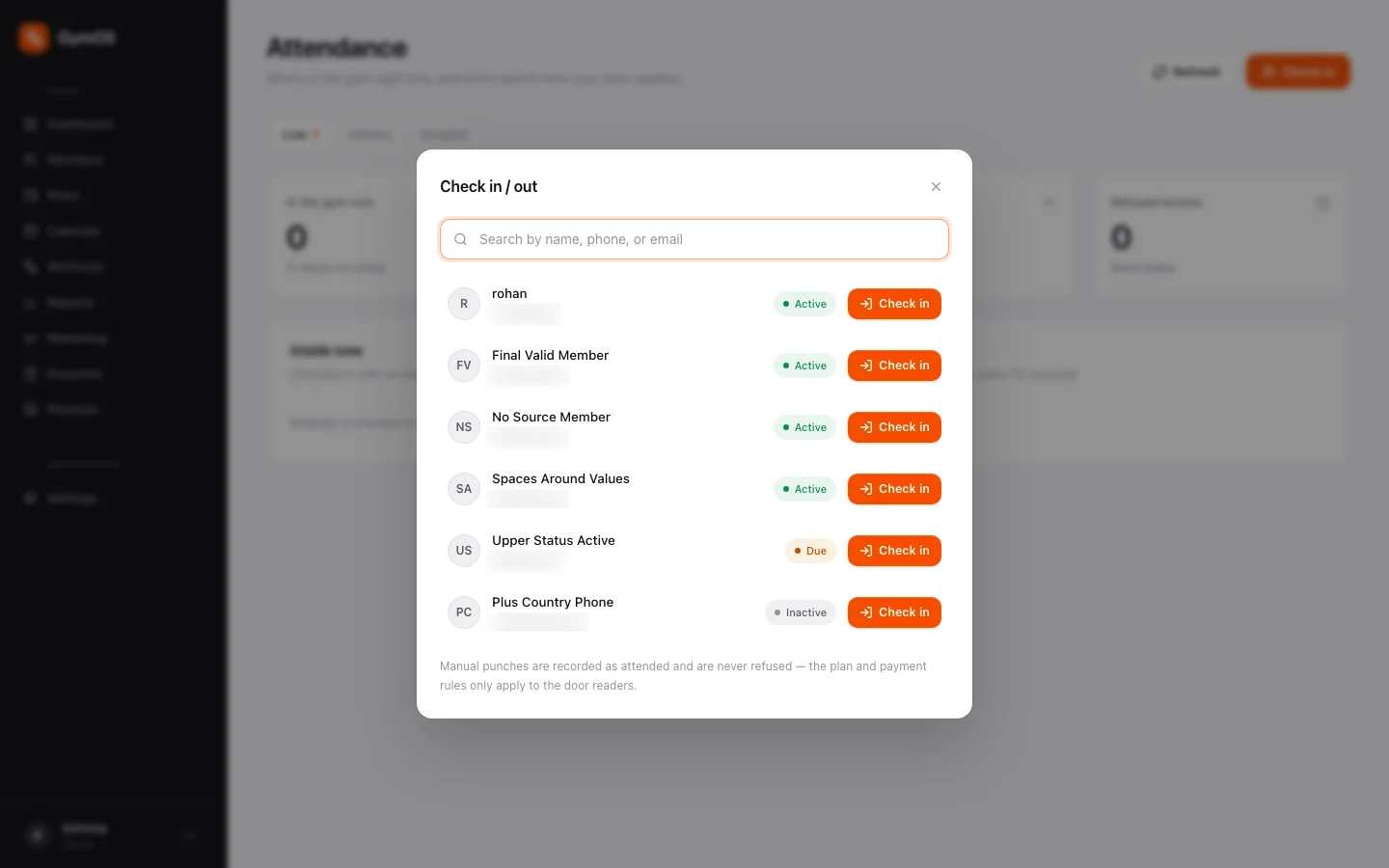
The Check in / out dialog
Manual punches are always recorded as attended and are never refused. Plan and payment rules — an expired plan blocking entry, for instance — apply only to the door readers, never to a staff member letting someone in.
The History tab
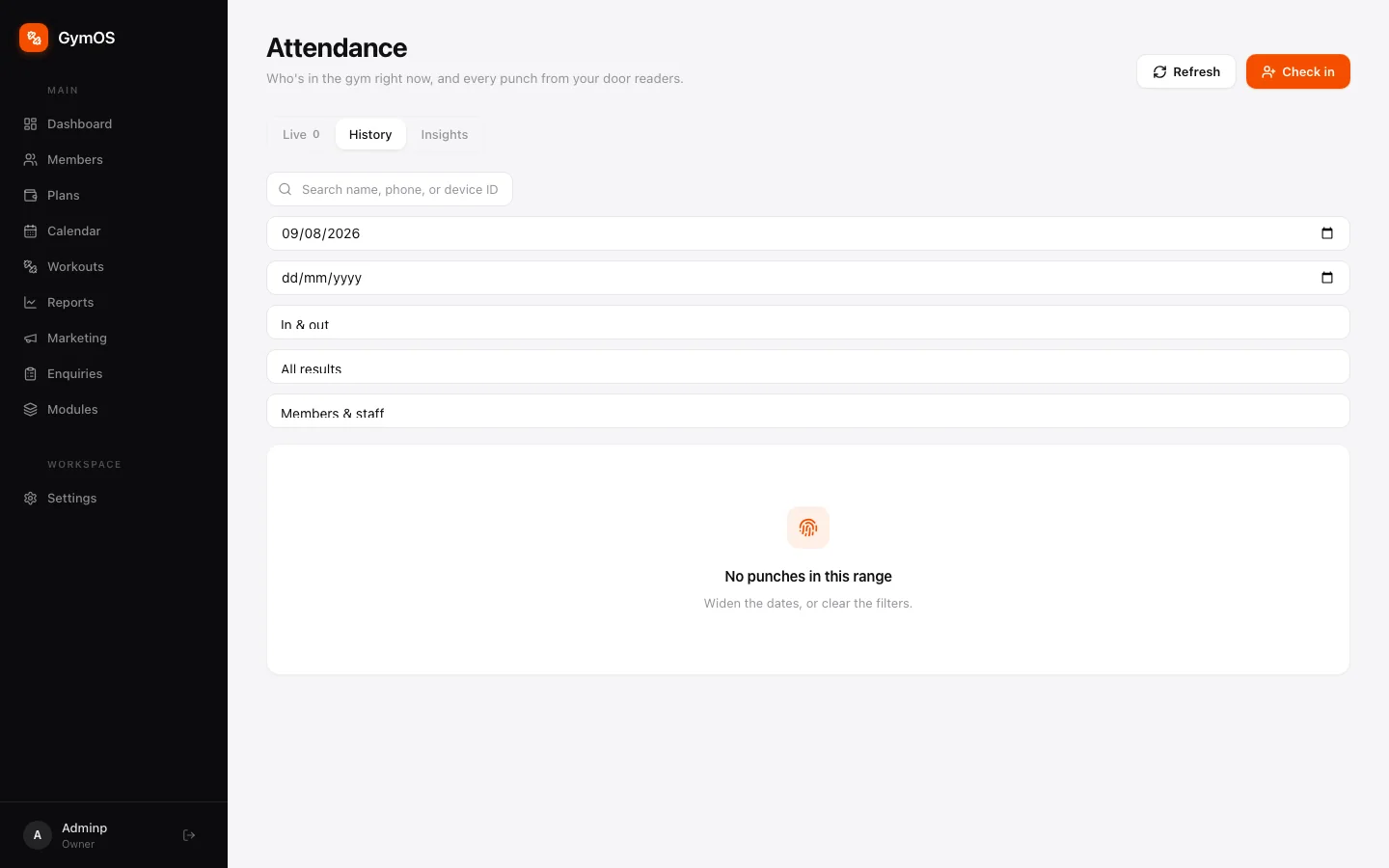
A searchable log of every punch. Search by name, phone or device ID; set a date range; and filter by In & out, All results, and Members & staff. It’s the place to settle “was I really here that day?”
The Insights tab
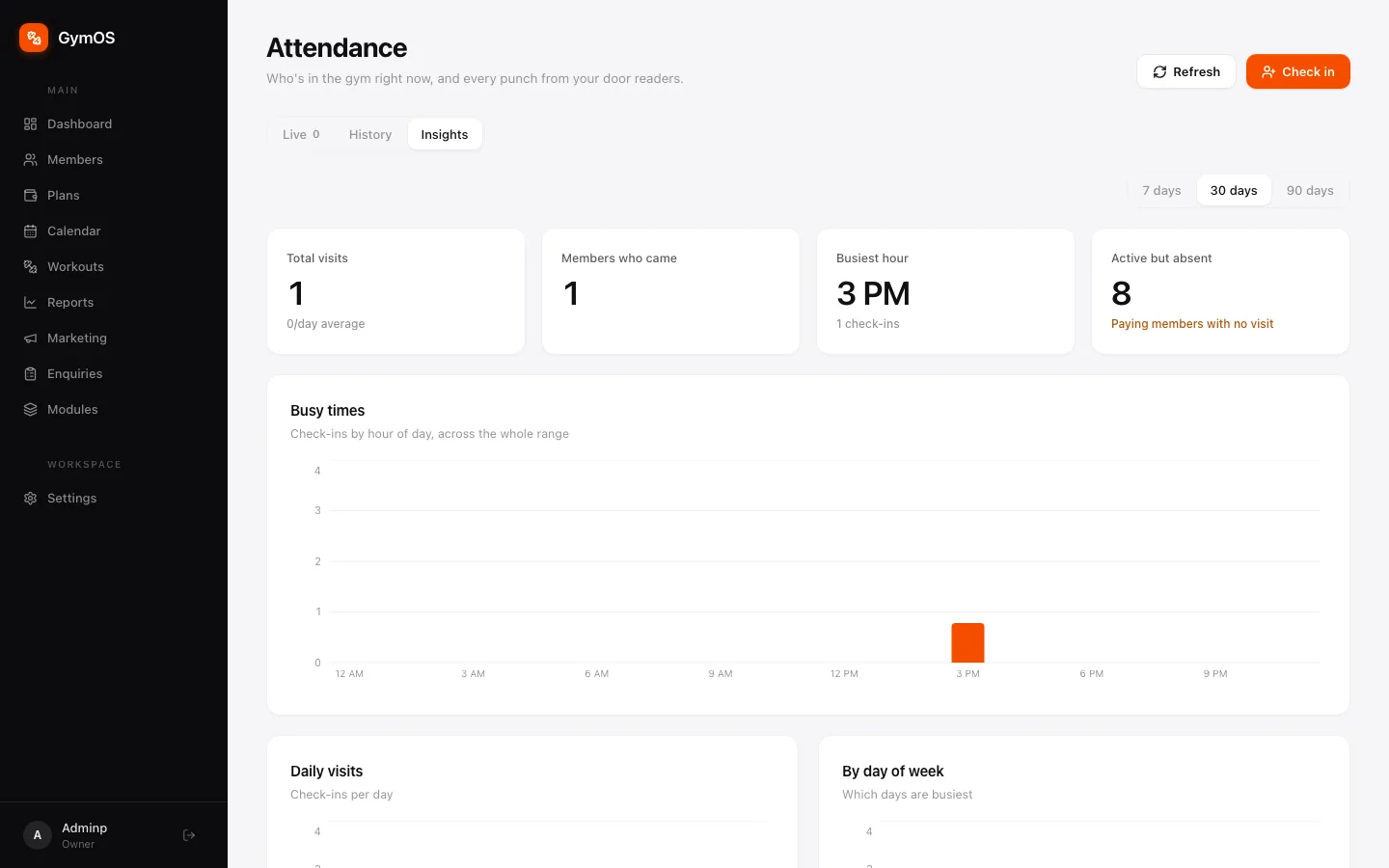
Trends over the last 7, 30 or 90 days: Total visits, Members who came, Busiest hour, and Active but absent — paying members who haven’t visited in that window. Watch that last number closely: those are the members most likely not to renew.
Busy times charts check-ins by hour, Daily visits by date and By day of week by weekday — useful when you’re deciding when to put more trainers on the floor.
Door readers and fingerprints
With the door access add-on, GymOS works with biometric readers at your entrance.
- Pair your readers in Settings → Integrations → Biometric Access Control.
- Issue fingerprint IDs from there, or from a member’s own profile. Either way the ID reaches every paired reader immediately.
- Choose which plans open the door. Each plan has a Members on this plan can open the doors switch. Leave it off for a front-desk-only plan — attendance is still tracked either way. See Plans and payments.
- Access removes itself. Once a day, GymOS takes members whose membership lapsed past the grace period off every reader. There’s no “remove fingerprint” step to forget.
In the Biometric IDs table, Cancel undoes an ID nothing has been enrolled against yet and frees it for reuse. Revoke keeps an enrolled ID on record, and Restore brings it back.
Stuck on a step, or found something that doesn't match your screen? Email hello@svich.in.