StudioOS guide
Custom modules and fields
Add your own questions to the built-in forms, or create new kinds of records — workshop sign-ups, costume sizes, retail sales — without any code.
No two studios track exactly the same things. StudioOS gives you two tools for the extras.
Custom fields
Use a custom field when you want one more question on a form that already exists — a student’s injuries to be aware of, their preferred batch time.
Go to Settings → Customization → Custom Fields.
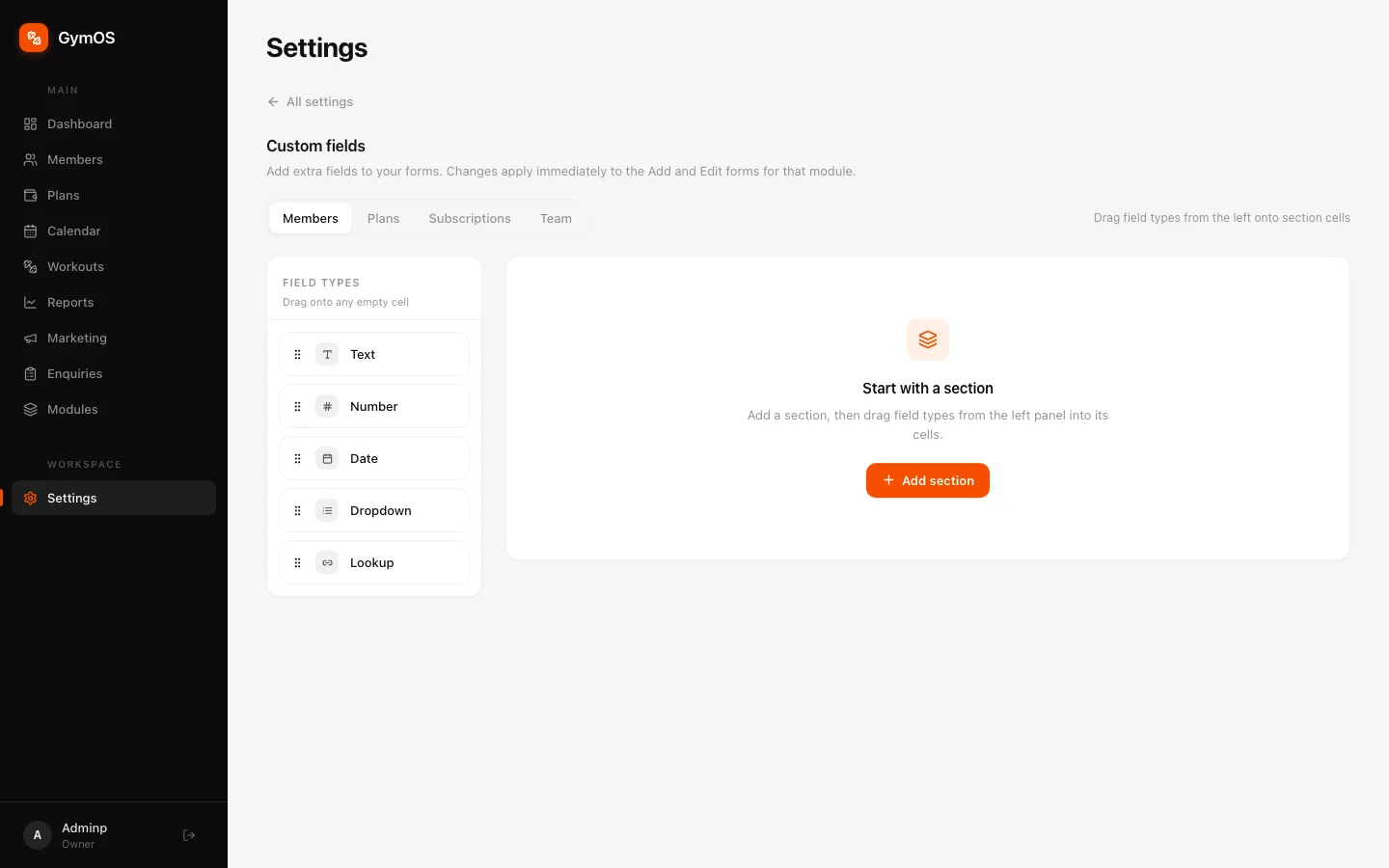
- Choose the form to change: Members, Plans, Subscriptions or Team.
- Click + Add section to give your fields a heading.
- Drag a field type from the left onto a cell in the section:
- Text, Number or Date
- Dropdown — a fixed list of choices
- Lookup — a link to another record, such as an entry in one of your custom modules
Changes apply immediately. A field added to Members appears straight away in the Add member and Edit forms.
Custom modules
Use a custom module when you need a whole new kind of record — workshop and retreat registrations, recital costume sizes, mat and merchandise sales, instructor substitutions.
Open Modules from the sidebar.
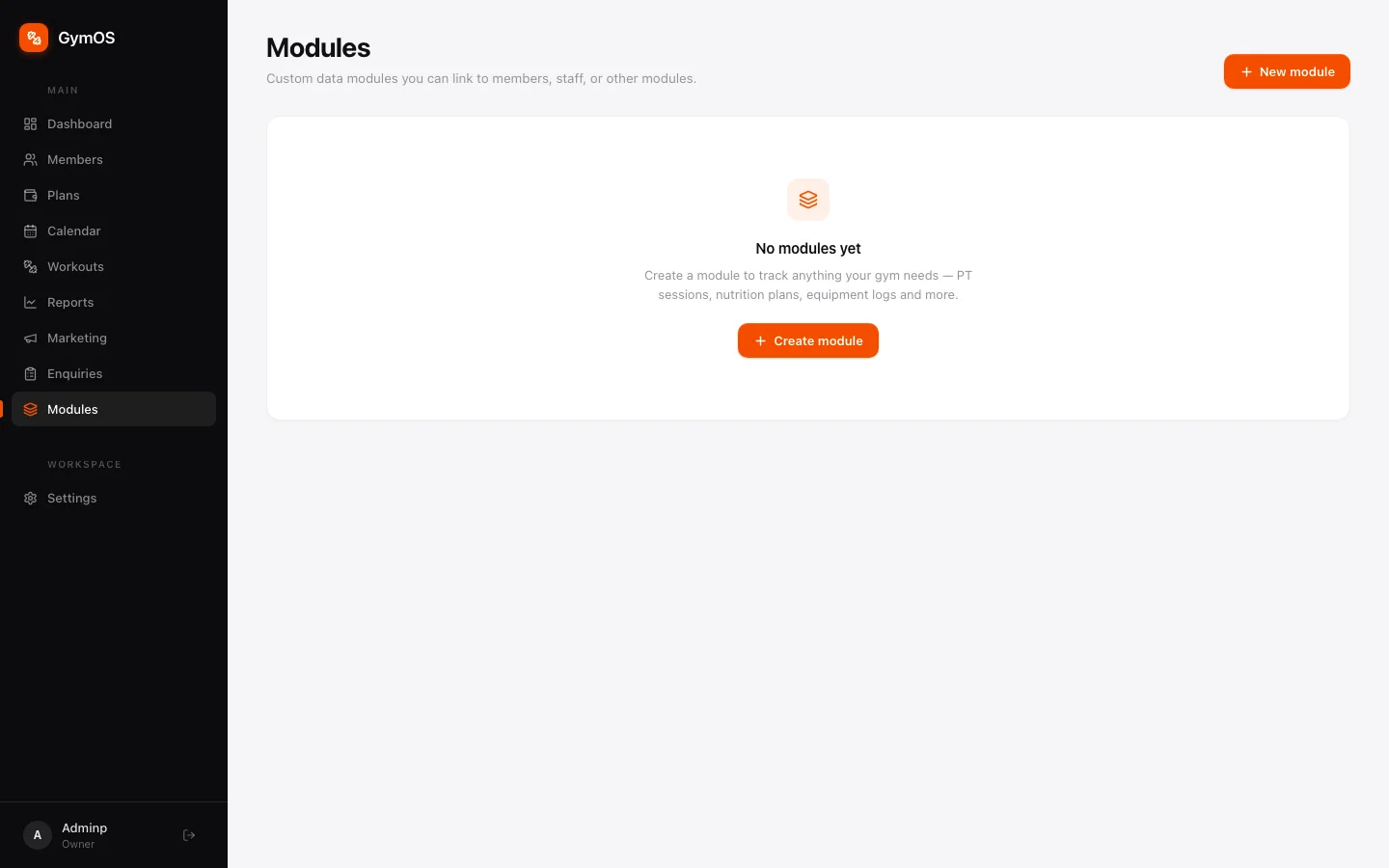
- Click + Create module.
- Name it, then add the fields each record needs.
- Link it to members, staff or other modules if its records belong to someone.
Every module you create gets its own item in the sidebar. Records linked to a member also show on the Modules tab of that member’s profile.
Stuck on a step, or found something that doesn't match your screen? Email hello@svich.in.